


Buying a new screen for your sim-racing platform is a fairly important decision to make because there are so many options to compare. A screen is just as important as a steering wheel or a pedalboard as it canenhance your experience while playing. That’s why it’s essential to choose the right screen model, adapted to Sim-racing, and which corresponds to both your needs and your tastes.
In this article, we will tell you what are the important criteria to consider when choosing the screen that suits you best. We also offer a selection of the best Sim-racing screen models by category.
The best Sim Racing screens at a glance
#1 : SAMSUNG ODYSSEY G9
⭐ Score : 9.6/10
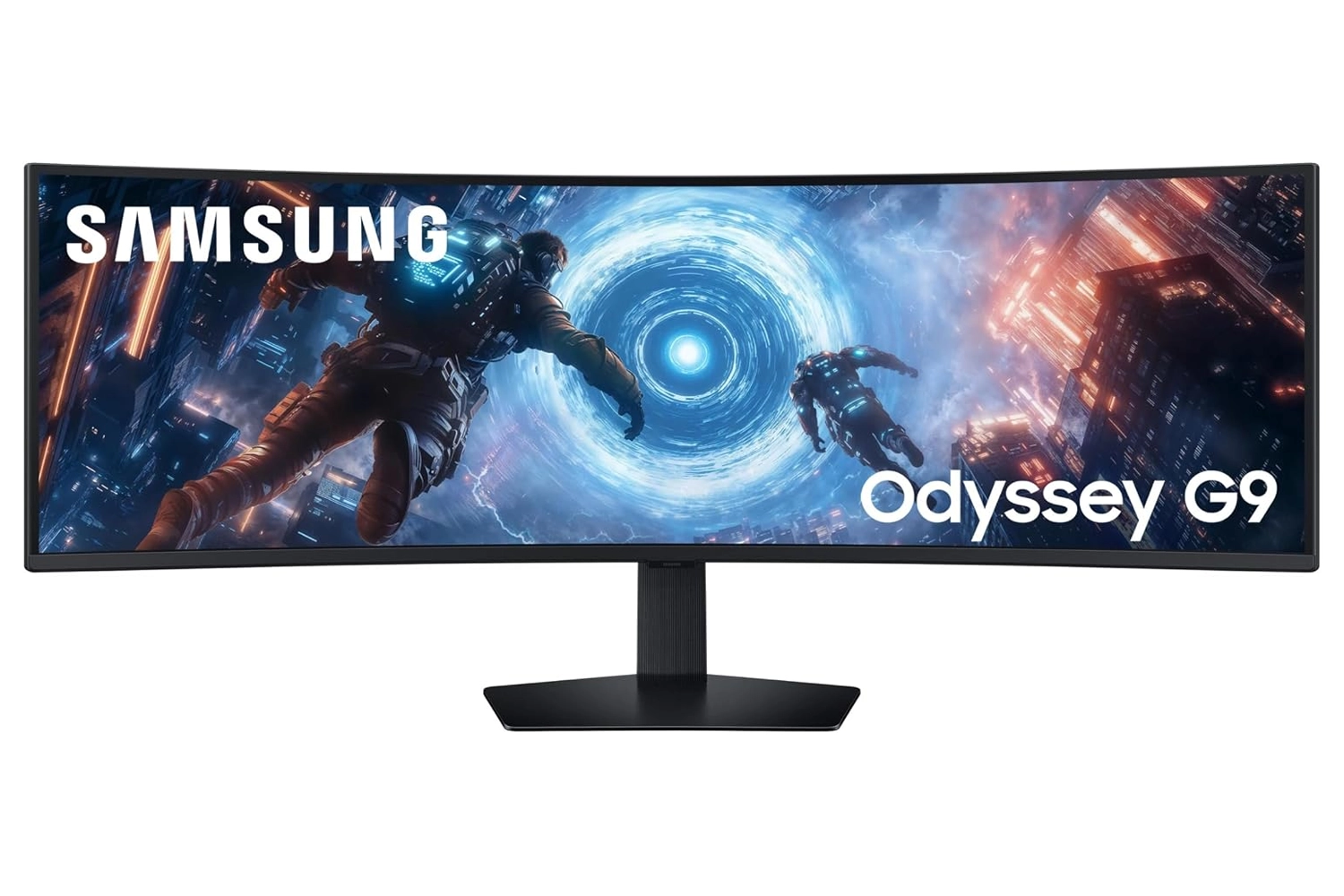
✅ The MUST HAVE for racing simulations
“Without a doubt the best curved ultra-wide screen for SimRacing.”
#2: LG UltraGear 27GS75Q
⭐ Score : 9.4/10
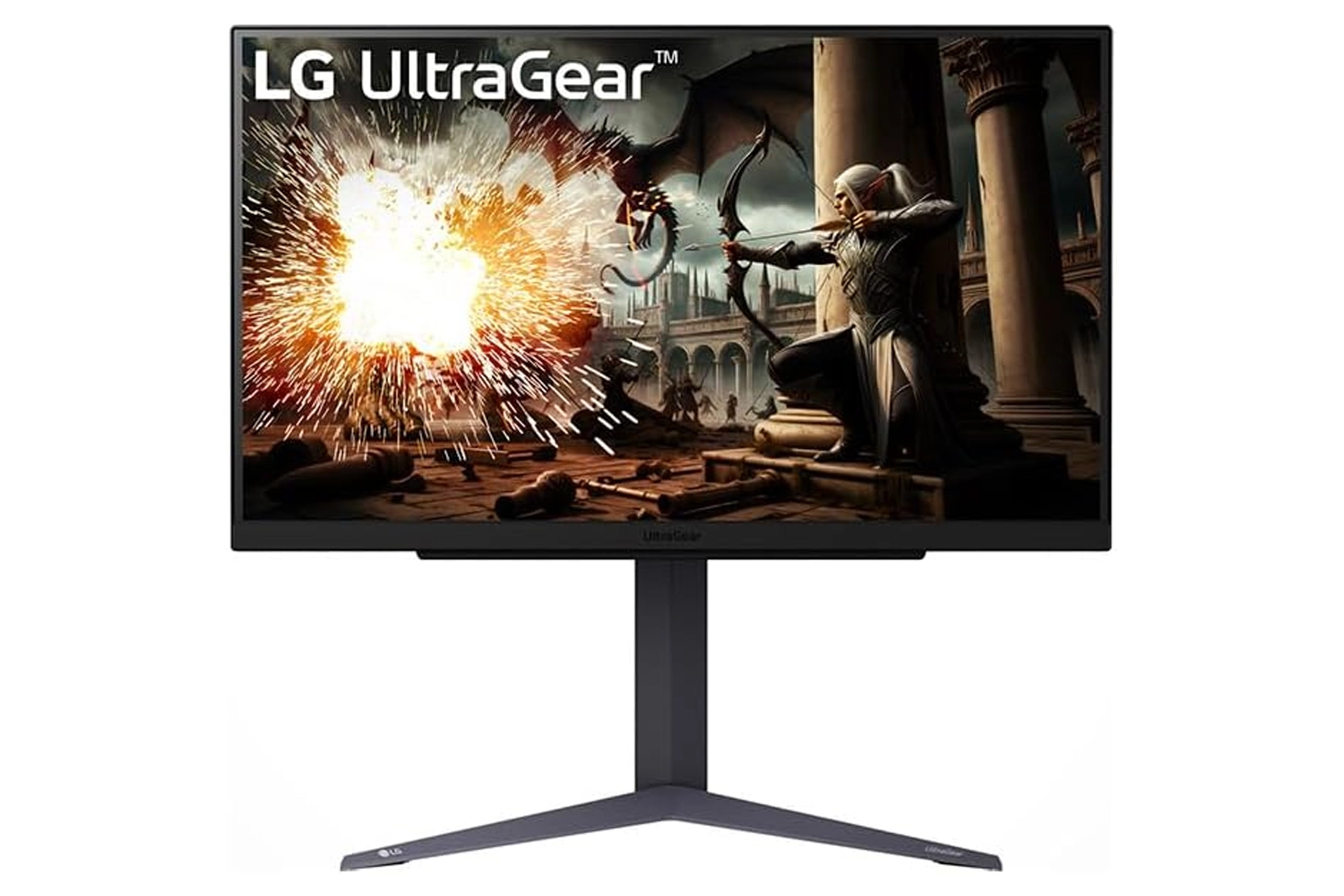
✅ The best for a triple-screen setup
“The ideal 27-inch QHD monitor for setting up a crisp, smooth triple-monitor setup.”
#3: AOC CU34G2XP
⭐ Rating: 9.2/10
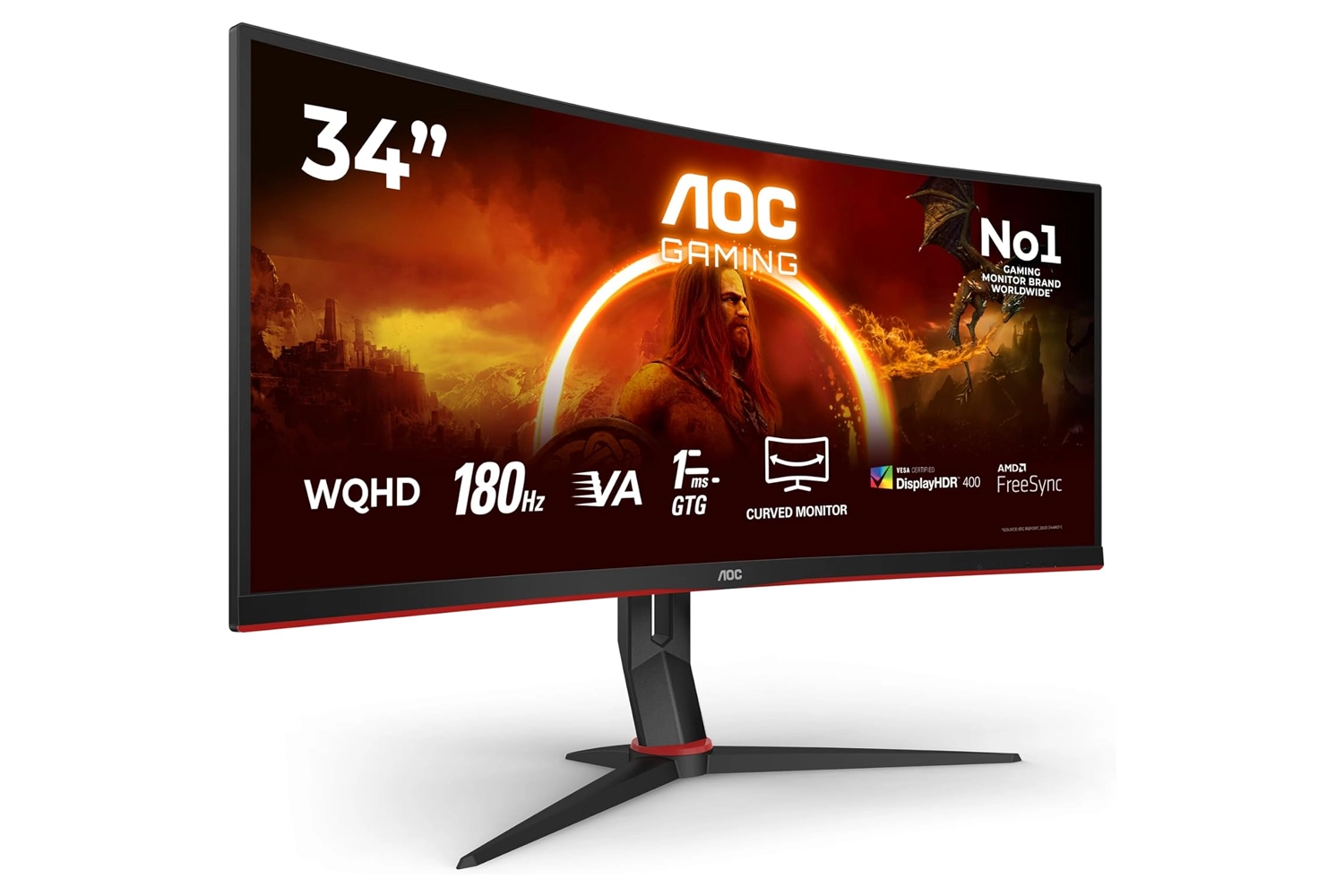
✅ Best value for money
“The most affordable 34-inch ultra-wide monitor for an immediate immersive experience.”
The best single screens
We will start our selection with two simple screens that we consider to be among the best on the market for Sim-racing players.
The AOC CU34G2XP Monitor
Size: 34″ – Resolution: 3440×1440 – 180 Hz – Response time: 1 ms
Starting at ~230€
In this category, it’s hard not to mention the AOC CU34G2XP monitor, which is offered at such a reasonable price that it almost makes it a must-have to have a monitor at home.
The screen’s design is absolutely stunning, and you’ll find virtually no flaws in its build quality or ergonomics.
The AOC CU34G2XP monitor features a VA panel, which is known for delivering vibrant colors and wide viewing angles.
In terms of performance, it offers an ultra-smooth gaming experience, thanks to its 180 Hz refresh rate and 1 ms response time.
The image quality of this monitor is quite impressive, as it features an Ultrawide Quad HD (2K+) resolution of 3440 × 1440 and also includes flicker-free technology to provide a comfortable viewing experience for users. In addition, it supports FreeSync Premium, just like almost all other AOC gaming monitors.
This model was truly thought out and designed with gamers in mind and reigns supreme as one of the best budget sim-racing single screens around.
Advantages
- Provides an immersive gaming experience
- The visual quality of the monitor is very sharp and dynamic
- Input lag almost negligible
Disadvantages
- The monitor settings are a little tricky to get the hang of.
The MSI MAG 27CQ6PF Monitor
Size: 27″ – Resolution: 2560×1440 – 180 Hz – Response time: 1 ms
Starting at ~160€
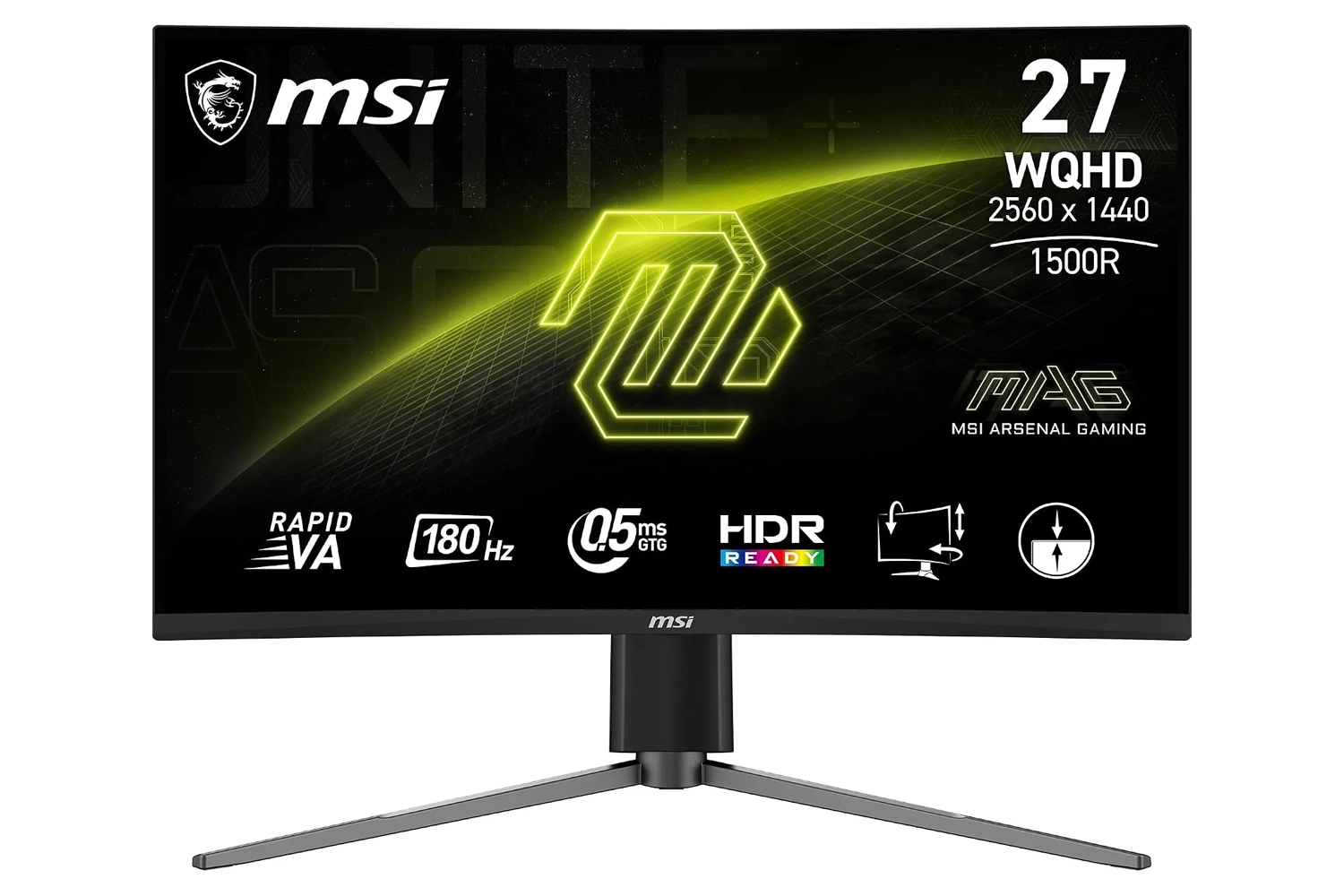
If you’re looking for a single, more compact monitor without breaking the bank, the MSI MAG 27CQ6PF is a great starting point for a sim-racing setup.
It’s a 27-inch curved monitor with a 16:9 aspect ratio and a 1500R curvature, which helps envelop your field of view a little more when you’re sitting close to the screen.
The MSI MAG 27CQ6PF features a VA panel with a WQHD resolution of 2560 × 1440. This resolution delivers sharper images than Full HD while remaining easy for most graphics cards to handle.
In terms of performance, it features a refresh rate of 180 Hz and a claimed response time of 1 ms, resulting in smooth gameplay in fast-paced racing games. It supports Adaptive-Sync to minimize screen tearing.
The VA panel offers good contrast and deeper blacks than average, which is a real plus for nighttime races and dark scenes.
As an entry-level, affordable sim-racing monitor, the MSI MAG 27CQ6PF checks all the essential boxes without any major compromises.
Advantages
- Curved VA panel with excellent contrast
- 180 Hz refresh rate
- Crisp WQHD resolution that’s easy to power
- Excellent value for money
Disadvantages
- The 27-inch size is a bit small for maximum immersion
- No built-in speakers
The best triple screens
For those who choose a triple-screen setup, here’s a selection of our two favorite models in this category. A triple-screen setup also requires a sturdy mount: check out our guide to the best sim-racing cockpits to keep it securely in place.The MSI MAG 275F Monitor
Size: 27″ – Resolution: 1920×1080 – 180 Hz – Response time: 0.5 ms
Starting at ~€110 each, or ~€330 for the triple-screen setup
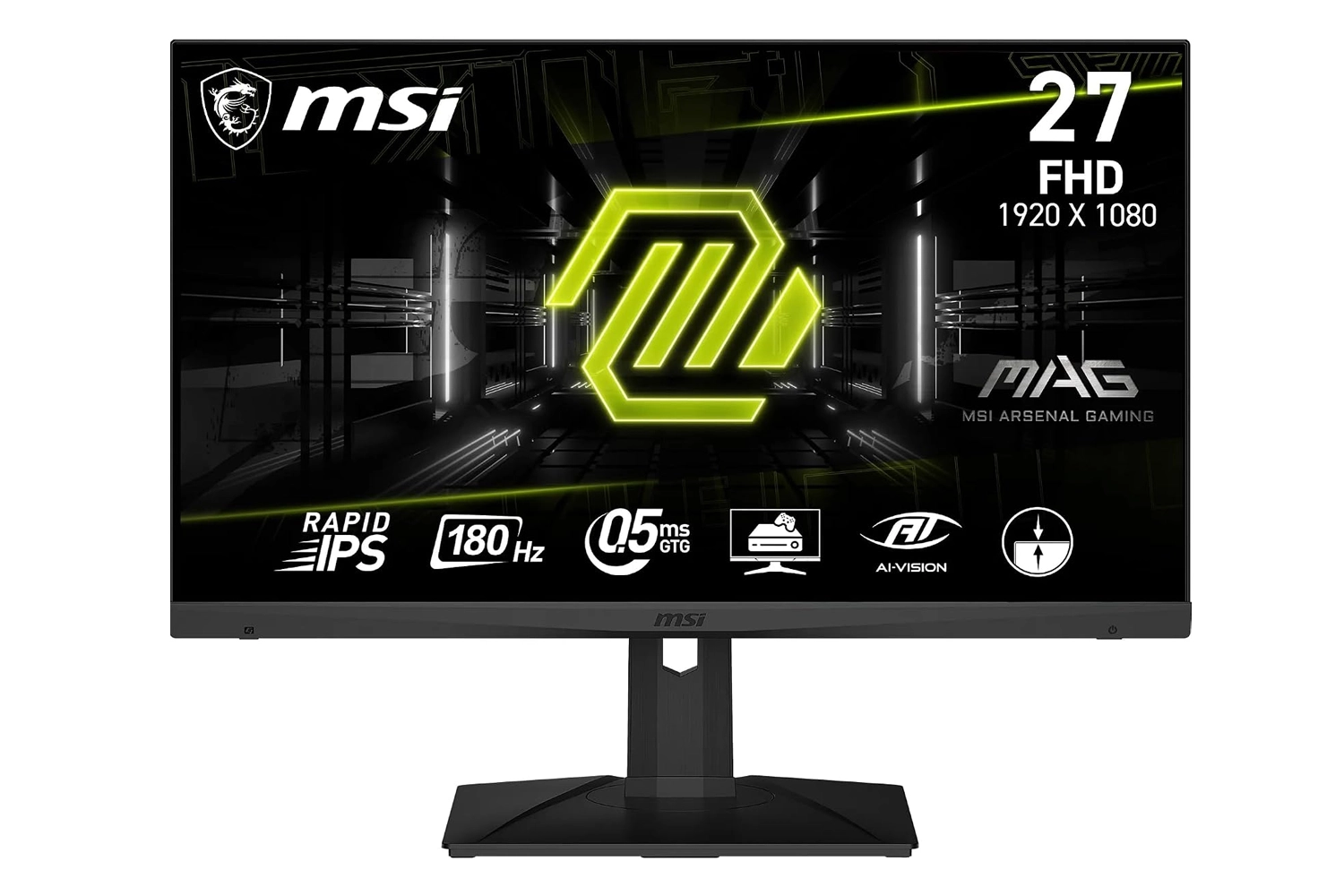
If you’re setting up a triple-monitor setup without breaking the bank, the MSI MAG 275F is an excellent place to start.
It’s a 27-inch flat-panel display with Full HD resolution and thin bezels on three sides, which helps minimize visual gaps between the three panels when they’re placed side by side.
The MSI MAG 275F uses a Rapid IPS panel that offers good viewing angles, which is important in a triple-monitor setup since you view the side monitors from an angle.
With a refresh rate of 180 Hz and a claimed response time of 0.5 ms, it remains responsive in racing games. Full HD resolution is also the easiest to run in a triple-monitor setup, whereas three 1440p monitors require a significantly more powerful graphics card.
It supports Adaptive-Sync and offers the HDMI and DisplayPort inputs needed to connect all three monitors.
Even at three times the price, the MSI MAG 275F remains the most affordable way to set up a smooth, lag-free triple-monitor setup.
Advantages
- Rapid IPS panel with good viewing angles
- 180 Hz refresh rate, 0.5 ms response time
- Thin bezels, ideal for a triple-screen setup
- Full HD resolution with easy power supply
Disadvantages
- Full HD resolution is less detailed than WQHD
- No built-in speakers
The LG UltraGear 27GS75Q Monitor
Size: 27″ – Resolution: 2560×1440 – 180 Hz – Response time: 1 ms
Starting at ~€205 each, or ~€610 for the triple-screen setup
For a sharper and more versatile triple-monitor setup, the LG UltraGear 27GS75Q takes things a step further than Full HD.
It is a 27-inch flat-screen monitor with a WQHD resolution of 2560 × 1440. The switch to 1440p provides sharper images and greater detail on the screen, which helps with reading the track and braking distances.
It features an IPS panel that delivers consistent colors and wide viewing angles—a real advantage for the two side screens in a triple-screen setup.
The LG UltraGear 27GS75Q features a refresh rate of 180 Hz and a claimed response time of 1 ms. It supports NVIDIA G-Sync and AMD FreeSync synchronization technologies to eliminate screen tearing.
Its adjustable stand and VESA compatibility make it easy to precisely align the three monitors—an important step for a successful triple-monitor setup.
If your graphics card can handle it, three LG UltraGear 27GS75Q monitors make for a nearly flawless display setup for sim racing.
Advantages
- Crisp WQHD IPS panel with good viewing angles
- 180 Hz refresh rate
- G-Sync and FreeSync compatible
- Adjustable stand and VESA mount
Disadvantages
- Three 1440p monitors require a powerful graphics card
- More limited contrast than a VA panel
The best curved ultra wide screens
Now we’re going to introduce you to two curved ultra-wide screens that we think are the best in this range for racing sim players right now.The Samsung Odyssey G9 Monitor (G91F, 49″)
Size: 49″ – Resolution: 5120×1440 (DQHD) – 144 Hz – Response time: 1 ms
Starting at ~€650
The Samsung Odyssey G9 remains a favorite among the sim-racing community, and the G91F version finally makes it accessible.
It’s a giant 49-inch curved screen with a 32:9 aspect ratio and a DQHD resolution of 5120 × 1440. In other words, it’s as wide as two QHD screens side by side, with no bezel in the middle.
It features a VA panel with a pronounced 1000R curvature that wraps around you and immerses you in the cockpit. You can keep an eye on all the action unfolding around you.
In terms of speed, the G91F features a 144 Hz refresh rate and a claimed response time of 1 ms. It supports synchronization technologies for smooth, tear-free gameplay.
The VA panel offers excellent contrast and deep blacks, which is a real advantage during night races and on dark tracks.
For the ultimate single-screen immersion without resorting to a triple-screen setup, the Samsung Odyssey G9 is hard to beat.
Advantages
- Maximum immersion thanks to the 49-inch 32:9 aspect ratio
- Very wide and detailed DQHD resolution
- VA panel with excellent contrast
- 144 Hz refresh rate
Disadvantages
- Requires a powerful graphics card
- Takes up a lot of space on the desk
- The 32:9 aspect ratio may distort some game menus
The Samsung Odyssey G9 OLED Monitor (49″)
Size: 49″ – Resolution: 5120×1440 (DQHD) – 240 Hz – Response time: 0.03 ms
Starting at ~€1,030
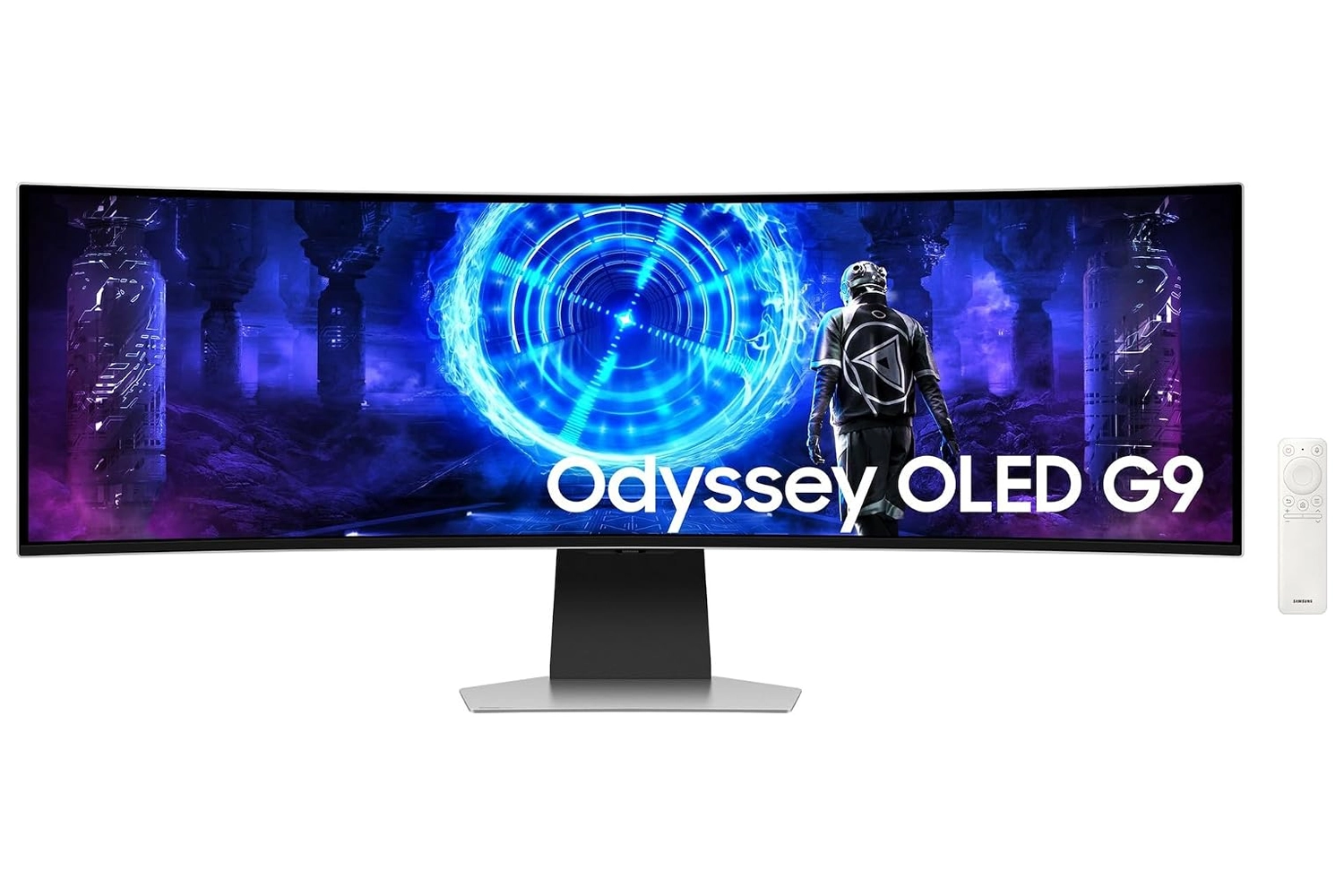
If you want the ultimate in immersion on a single screen, the Samsung Odyssey G9 OLED features a QD-OLED panel.
It features the same 49-inch curved 32:9 aspect ratio with a DQHD resolution of 5120 × 1440, but with an OLED panel that completely transforms the picture quality.
QD-OLED technology delivers perfect blacks, near-infinite contrast, and vibrant colors. It’s a clear step up from a VA panel in terms of immersion and HDR.
In terms of speed, it features a 240 Hz refresh rate and a nearly instantaneous response time of 0.03 ms, making it ideal for fast-paced racing games.
This level of quality requires a powerful graphics card to drive the DQHD display at 240 Hz; it’s a monitor designed for high-end systems.
Although it’s more expensive than a VA model, the Samsung Odyssey G9 OLED offers the most spectacular picture in this comparison.
Advantages
- QD-OLED display, perfect blacks, and infinite contrast
- Maximum immersion in a 49-inch 32:9 aspect ratio
- 240 Hz refresh rate, 0.03 ms response time
- Stunning Colors and HDR
Disadvantages
- High price
- Requires a high-end graphics card
- Pay close attention to the labeling specific to OLED panels
How to choose a sim-racing screen?
There are several important factors to consider when choosing a sim-racing display, including:
Size and resolution: most people consider 27″-34″ to be the best size for gaming. Larger screens, however, have a higher price range than smaller ones. You should also think about having a screen support adapted to its size. Another important consideration when purchasing a screen for simulation is the resolution. You must choose between 1080p, 1440p and 4k resolution. Higher resolution will provide better game visuals and increase your overall simulation performance. The 24-inch 1080p resolution displays are the most common monitors and work with almost any gaming setup. The 27-inch and 4k are the least common models, but they offer the best features.
Refresh rate: a high refresh rate will relay information to you more frequently and, in general, make the images on the screen much smoother. While 60 Hz is a standard refresh rate for a non-gaming monitor, going to 144 Hz or 240 Hz can give you a serious competitive advantage when driving, provided you have the precision to take advantage of it.
G-Sync / Free-Sync: These features will eliminate any screen tearing issues to minimize distractions in your gaming experience. Both features synchronize the frame rate of your game, minimizing any input lag and maintaining your custom frame rate. FreeSync is a better option for people who want a slightly cheaper gaming display. You need to make sure your gaming setup supports G-Sync and FreeSync.
Response rate: it is a value in milliseconds that represents the speed with which a screen can update a pixel from gray to gray. Today, a response time of more than 1 ms is quite disappointing for game screens used in Sim-racing.
Panel Type: You must choose between a TN or IPS panel, depending on your simulation configuration and budget. TN panels offer more value in terms of usability and speed, while IPS panels offer a smoother viewing experience. TN panels offer lower latency and higher refresh rates than IPS panels and are in an affordable price range. IPS panels prioritize better color rendering and improved viewing angles but are more expensive.
Price: Budget is another determining factor. If you are new to gaming, you should opt for low-budget displays. High-end displays are more suitable for professional gamers because they are more expensive. You need to decide what features you want before you buy your game monitor. You should look for the features that you think are essential and see which model fits your budget.
Single, triple or ultra-wide curved screen?
In general, racing simulation drivers have 3 options when it comes to choosing displays for SimRacing: a single display, a three-screen configuration, or an ultra-wide curved display.
A simple screen can provide all the information needed for the race simulation, but may be limited in aspects such as the field of view, which is smaller in the virtual world. The advantages of a single screen are the reduction of the overall space of your simulation platform as well as a relatively easy setup in racing games such as Assetto Corsa Competizione or iRacing.
With a triple screen configuration, you essentially get three times the information available. If configured correctly, the triple screen can provide an experience that gives you the feeling of being inside the virtual car. However, triple displays are often complex to implement and require dedicated simulation platforms and space for effective use. If you have the space and ability to dedicate this time to simulation racing, they can be a very good setup for your simulation platform.
Curved ultra-wide screens offer a better experience than a large 16: 9 screen for simulation racing. Basically, you have a larger screen, which means your FOV (field of view) can be much wider.
In simulation racing, you can improve your use of the camera, which makes your driving smoother and more precise, and you also get a higher resolution. These high resolutions—whether on triple monitors or ultra-wide displays—require a powerful graphics card: our guide to the best gaming PCs for sim racing will help you determine if your machine is up to the task.
In brief – conclusion
The choice of a sim-racing screen can completely influence your sim-racing experience since it depends entirely on your virtual perception. Choosing the right screen is key to improving it.
As always, there are several options on the market that you can consider on your own. Whether you’re happy with a cheap option with simple G-Sync and FreeSync compatibility, or want a premium option with ultra-fast refresh rates, depends on your priority, your preferences and of course your budget.
We hope that thanks to this article, it will now be easier for you to make your decision and choose the best Sim-racing display for you.
#1 : SAMSUNG ODYSSEY G9
⭐ Score : 9.6/10
✅ The MUST HAVE for racing simulations
“Without a doubt the best curved ultra-wide screen for SimRacing.”
#2: LG UltraGear 27GS75Q
⭐ Score : 9.4/10
✅ The best for a triple-screen setup
“The ideal 27-inch QHD monitor for setting up a crisp, smooth triple-monitor setup.”
#3: AOC CU34G2XP
⭐ Rating: 9.2/10
✅ Best value for money
“The most affordable 34-inch ultra-wide monitor for an immediate immersive experience.”
Samsung Odyssey G9
The best Sim-Racing screen in 2026

0 Comments