

PC setups are all different these days, with some specializing in specific categories of machine learning or AI. Setting up a tower is very easy to do, as most computer components are modular, and you have the option of swapping them more or less according to the platform and your needs. This is possible because the parts of a computer are like legos: everything fits together according to connection or interface standards.
This is why computers are considered the “Master Race” by gamers, since they can be upgraded at will. However, this comes at a price, which is why home consoles are so much more attractive.
But where some see a handicap, others see an asset. Gaming PCs don’t just excel at running high-resolution games at triple-digit FPS. They are so powerful, depending on configuration, that their usefulness has virtually no limits. Machine learning, AI, programming, server, multitasking and streaming are just some examples of what you can do with a well-configured machine.
Today we’re going to look at the graphics aspect of a gaming PC, and more specifically at sim-racing. On the GPU market, there are many fighters. Between budget-friendly options, those adapted to certain titles and power monsters, it’s easy to get lost if you want to start sim-racing with a gaming tower.
In what follows, we’ll look at the best GPUs for sim-racing at 3 different resolutions: 1080P, 1440P and 2160P. Simply put: Full HD, 2K and 4K.
The best GPUs for Full HD
Let’s start small with a setup that’s within everyone’s reach. I’ll tell you right now: a gaming tower is expensive, even if you’re only aiming for 1080P at the entry-level.
For the setup, I suggest you go for a fairly recent platform, whether Intel or AMD, with at least 16 GB RAM. Personally, I’m in favor of AMD with a Ryzen 5 5000 series as far as the friendly budget is concerned, and 7000/9000 for the rest with 32 GB of RAM. AMD has made a big comeback in recent years, and its CPUs are excellent for gaming.
Nvidia RTX 5060 8 GB
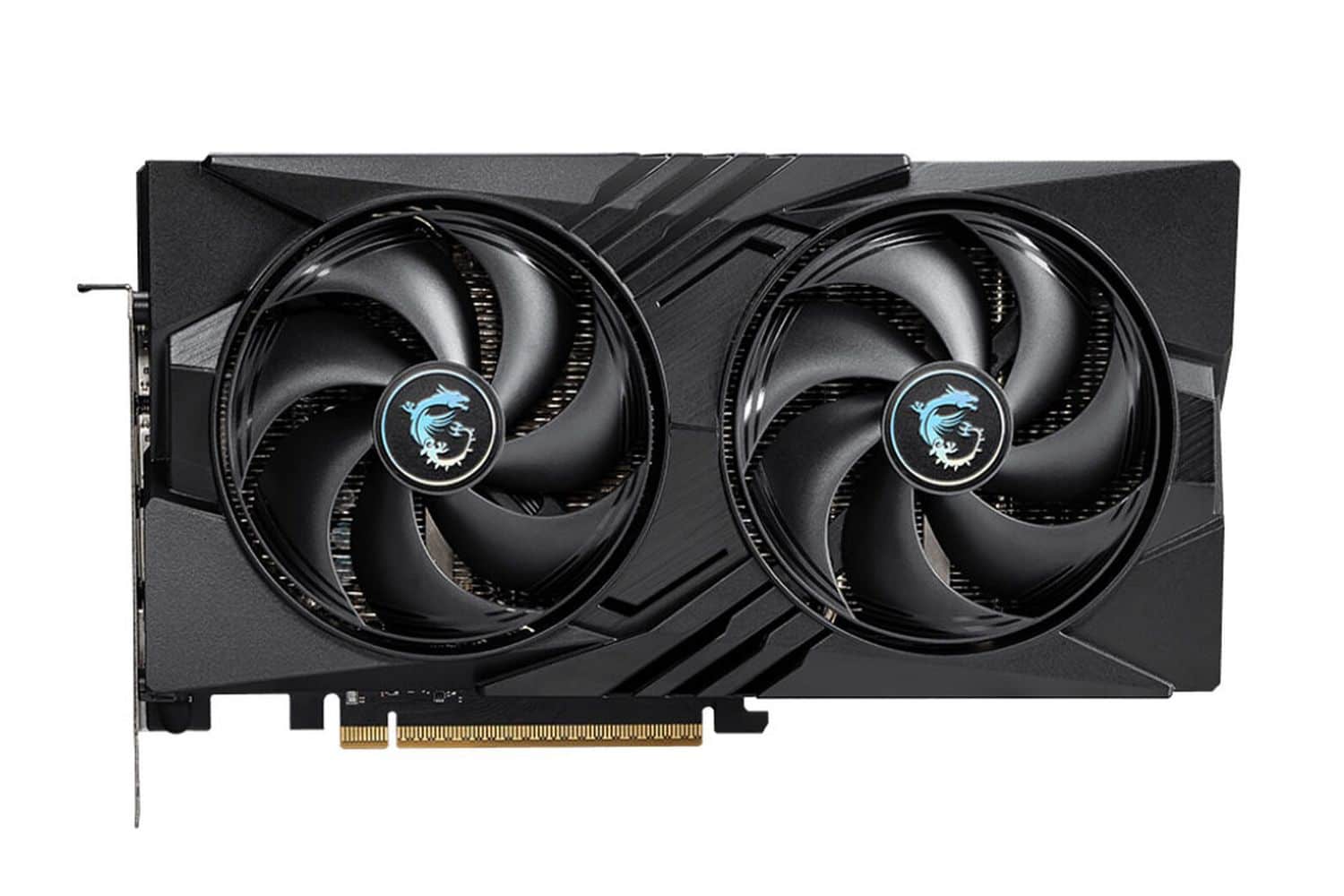
Nvidia is a major player in the GPU industry, having dominated the global market for many years. For a long time, the American brand had literally no competition, and it’s only in recent years that AMD (after acquiring ATI) and Intel present a slight threat to Nvidia in certain segments.
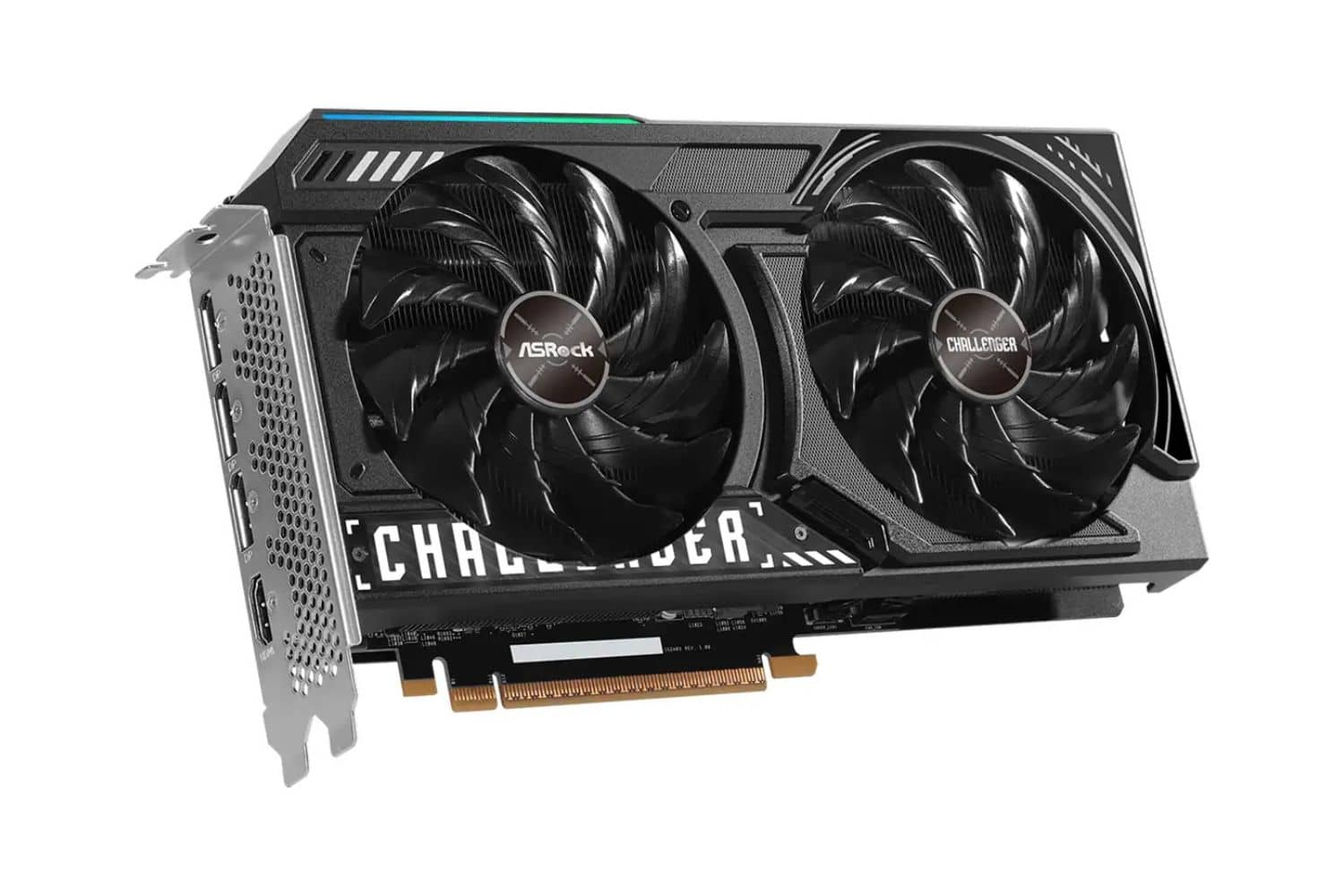
The 5060 represents the GPU manufacturer’s low-end mid-range, especially in the 8GB version. You’ll get good sim-racing performance, whether on F1 25, Assetto Corsa or rFactor, with 60 FPS without too much trouble in Full HD.
AMD RX 7600/9060 8 GB
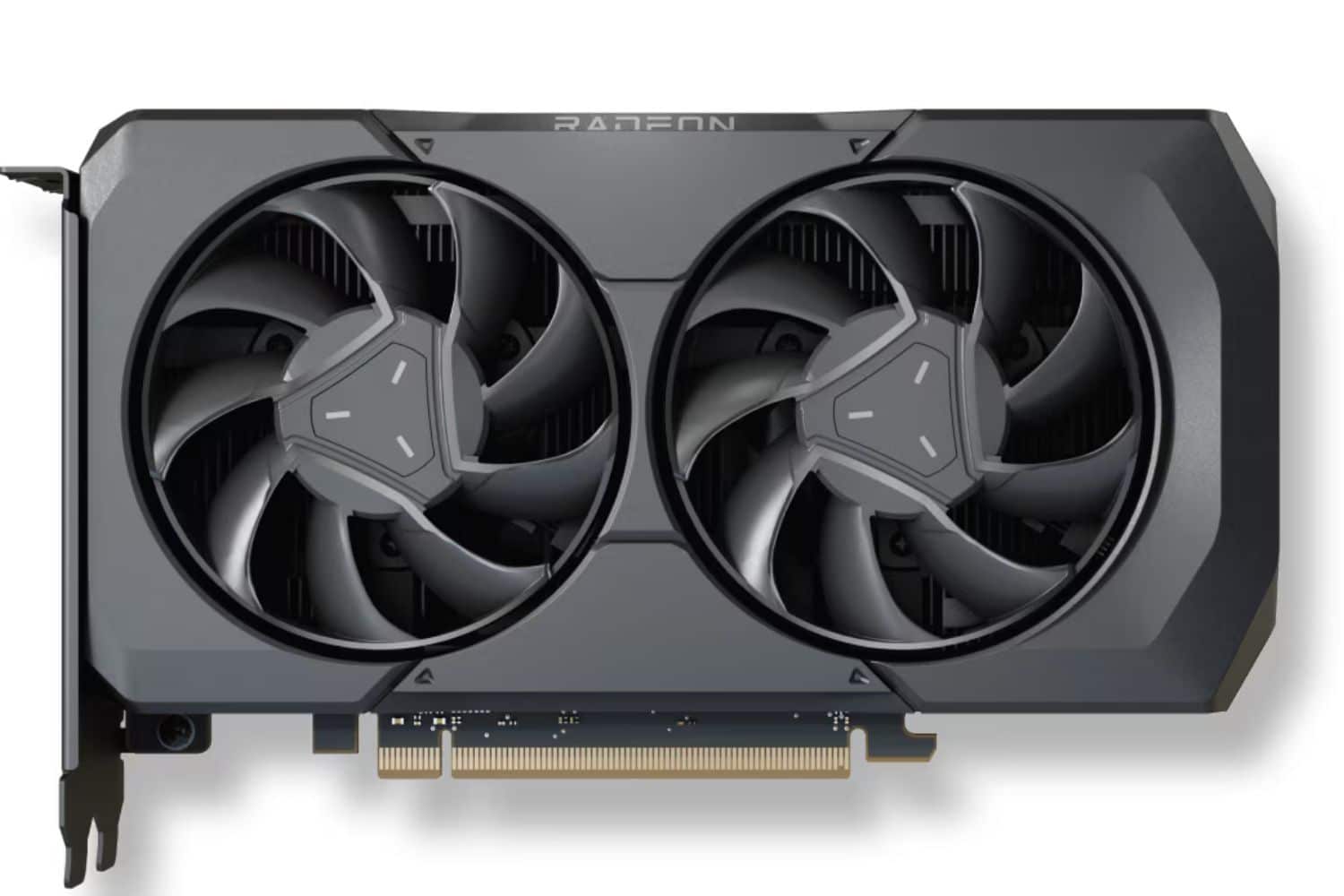
Over the past 10 years or so, AMD has developed a number of high-performance, competitively priced products. On the CPU market, it has become the Go-To for gamers with its Ryzen 5 and X3D ranges.
On the GPU side, we have the RX 7600 and the 9060 in 8 GB, which act as entry-level Full HD cards. These are high-performance graphics cards that aim for 60 FPS, but are still limited by their 8 GB RAM. The same applies to the 5060, and you’re likely to have problems – or rather, drops in performance – in a few years’ time.
Intel B570 10 GB
Intel is a young brand in the GPU field, with a range that’s all about “value”. Basically, you get the most for your money on the performance side.
The 10GB B570 is more of an entry-level GPU, even if its vRAM is substantial for its target segment. The problem with Intel GPUs is that they’re recent, and therefore not supported by all games. Admittedly, drivers have come a long way in recent years, but you’re likely to run into some compatibility problems with sim-racing titles.
The best GPUs for 2K
2K, or 1440P, is a very popular resolution with gamers, as it represents the happy medium: it’s more detailed than Full HD, without requiring a 4K war machine. In this resolution range, only Nvidia and AMD offer viable options today, in my opinion.
Nvidia RTX 5070 or 5070 Ti
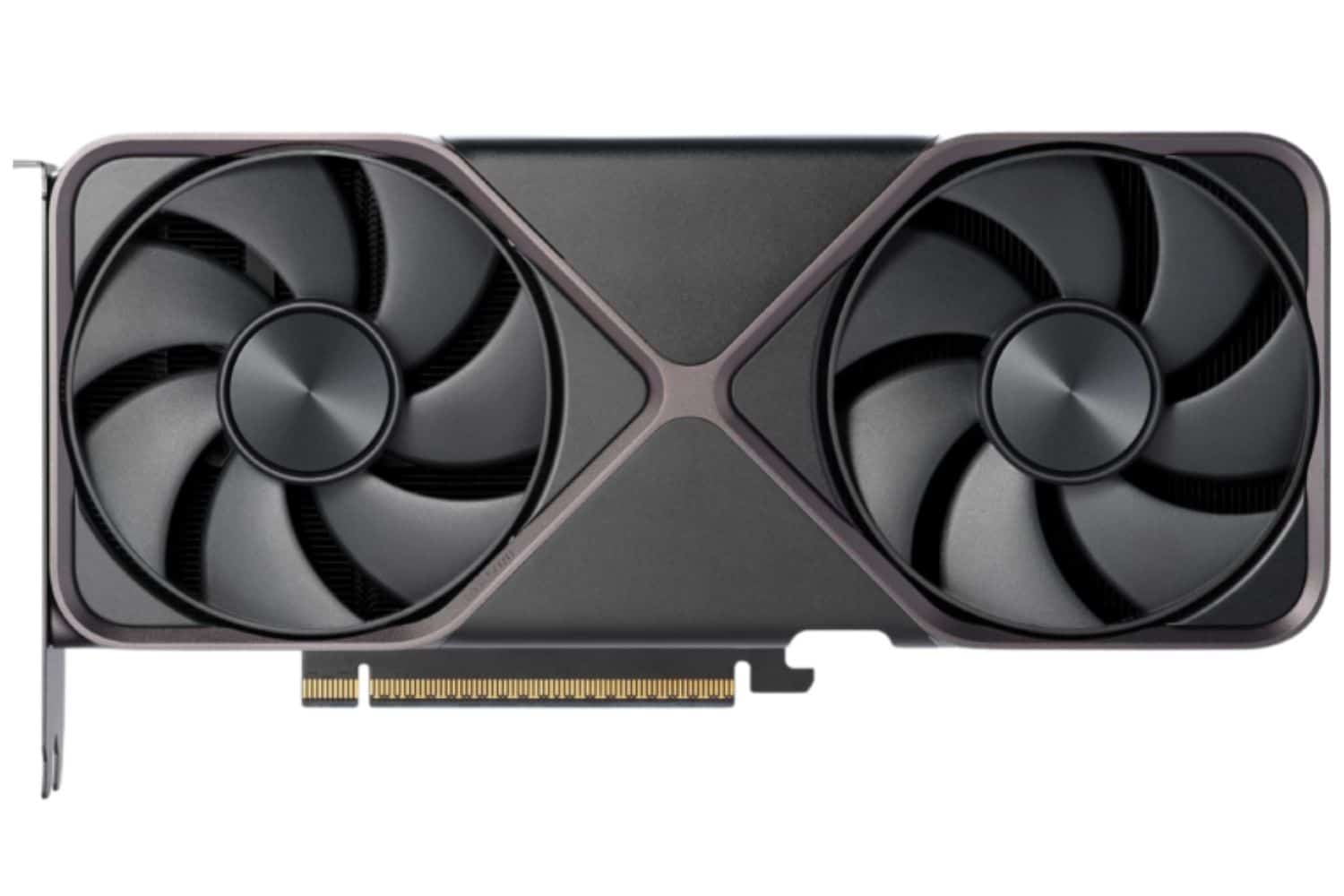
The RTX 5070 is a rather mid-range GPU, according to the green brand, even if the asking price is often high. The standard version comes with 12 GB RAM, while the Ti version offers 16 GB. Depending on your budget, and above all on how many years you intend to keep the GPU, you can choose between the former or the latter, with the 12 GB being changed sooner than the 16 GB.
With the 5070, 1440P at over 60 FPS is easy to achieve, even with a mid-range CPU and RAM setup. If you’re aiming for 2K over many years, I’d advise you to opt for the 5070 Ti.

AMD RX 9070 and 9070 XT
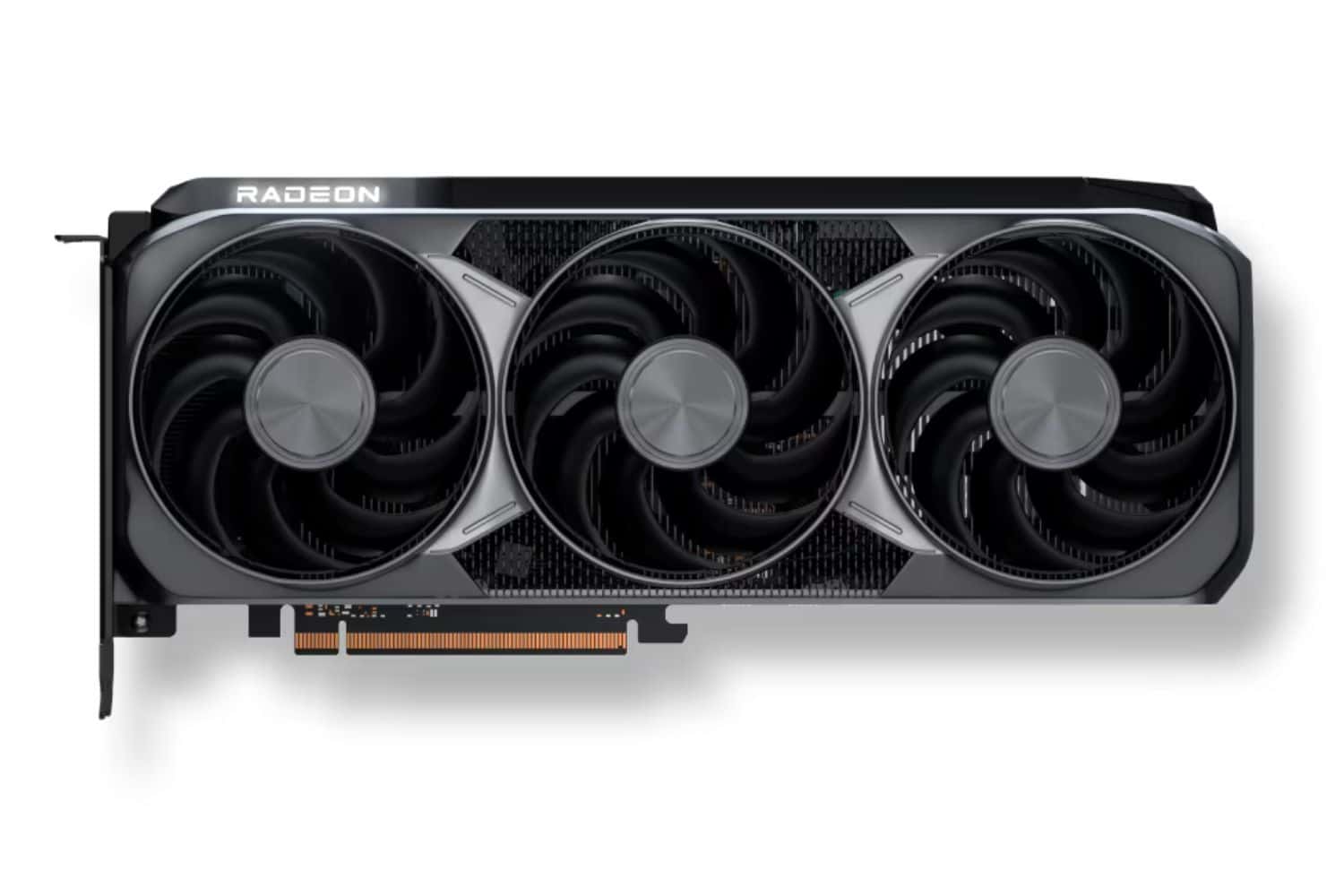
Even if AMD is clearly a generation behind Nvidia when it comes to Ray Tracing, its GPUs are nonetheless powerful when it comes to rasterization, or conventional power. The 16GB RX 9070 and 9070 XT demonstrate this on numerous 1440P titles, with solid performance and very stable FPS at over 60 frames per second.
Of course, Nvidia continues to dominate the GPU market in this and above ranges, and game developers optimize their titles for this brand. Nevertheless, RX 9070s remain an excellent option for sim-racing, and above all a cheaper and more durable one in the long term.
The best GPUs for 4K
This is Nvidia-dominated territory, much to the dismay of gamers. Why? Well, it’s simple: if you’re alone in a segment, you can charge whatever you want for your products. And Nvidia GPUs capable of running over 60 FPS in 4K are expensive.
Nvidia RTX 5080 and 5090
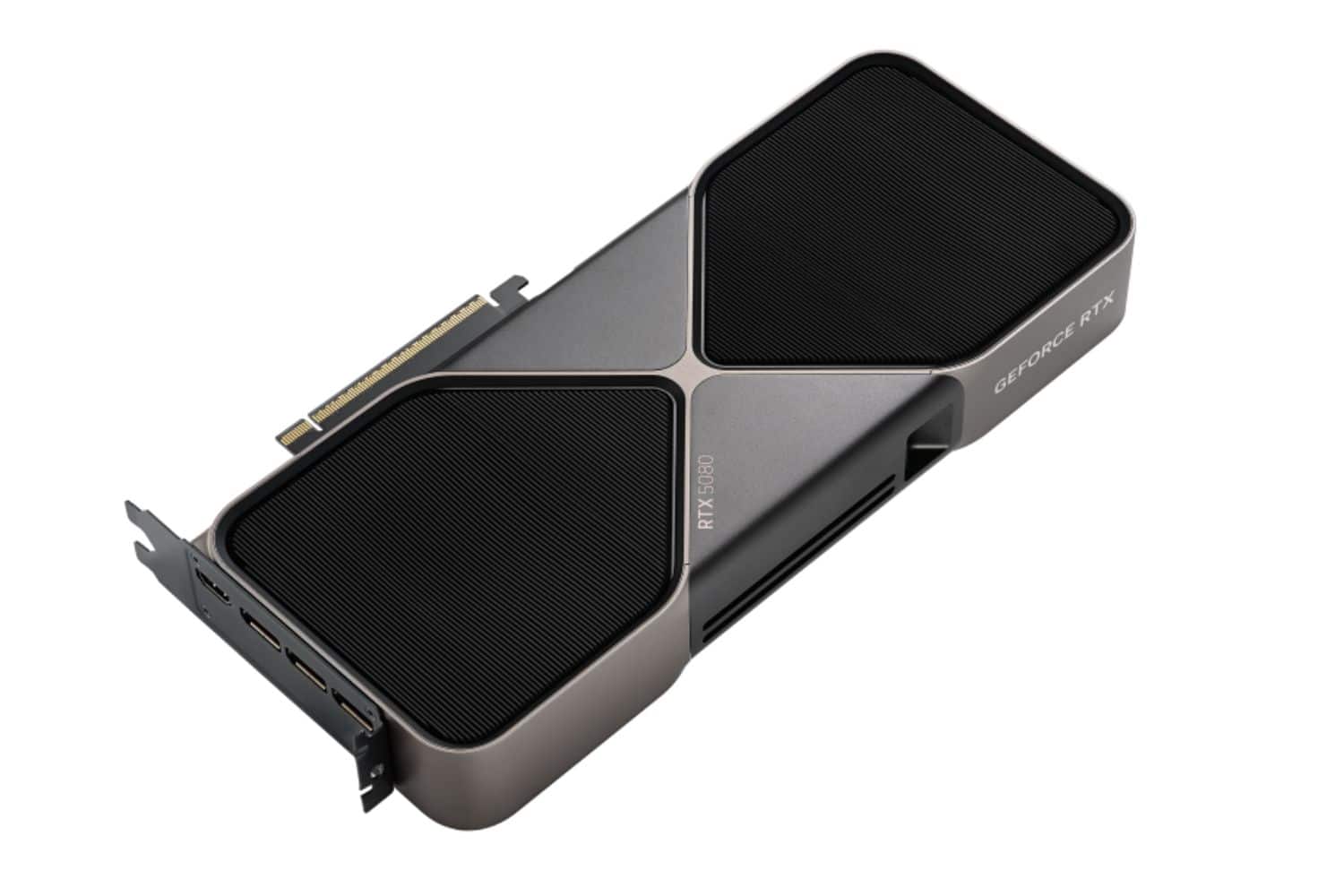
These are the best Nvidia has to offer in terms of raw power (rasterization) or Ray Tracing. These GPUs are the most powerful on the market, especially for the 5090 in the mainstream, i.e. non-professional, segment.
On any sim-racing title, you’ll easily get over 60 FPS in 4K, and that’s on graphics qualities that are ultra-everywhere. However, you’ll also need a weighing system to back this up, which will inevitably push the bill up to over €5,000 without too much effort, as the 5090 alone costs over €2,500.
The RTX 5090s remain elitist GPUs as far as I’m concerned. Nvidia won’t be selling them by the bucketload, but the brand will make a handsome margin on every graphics card sold.
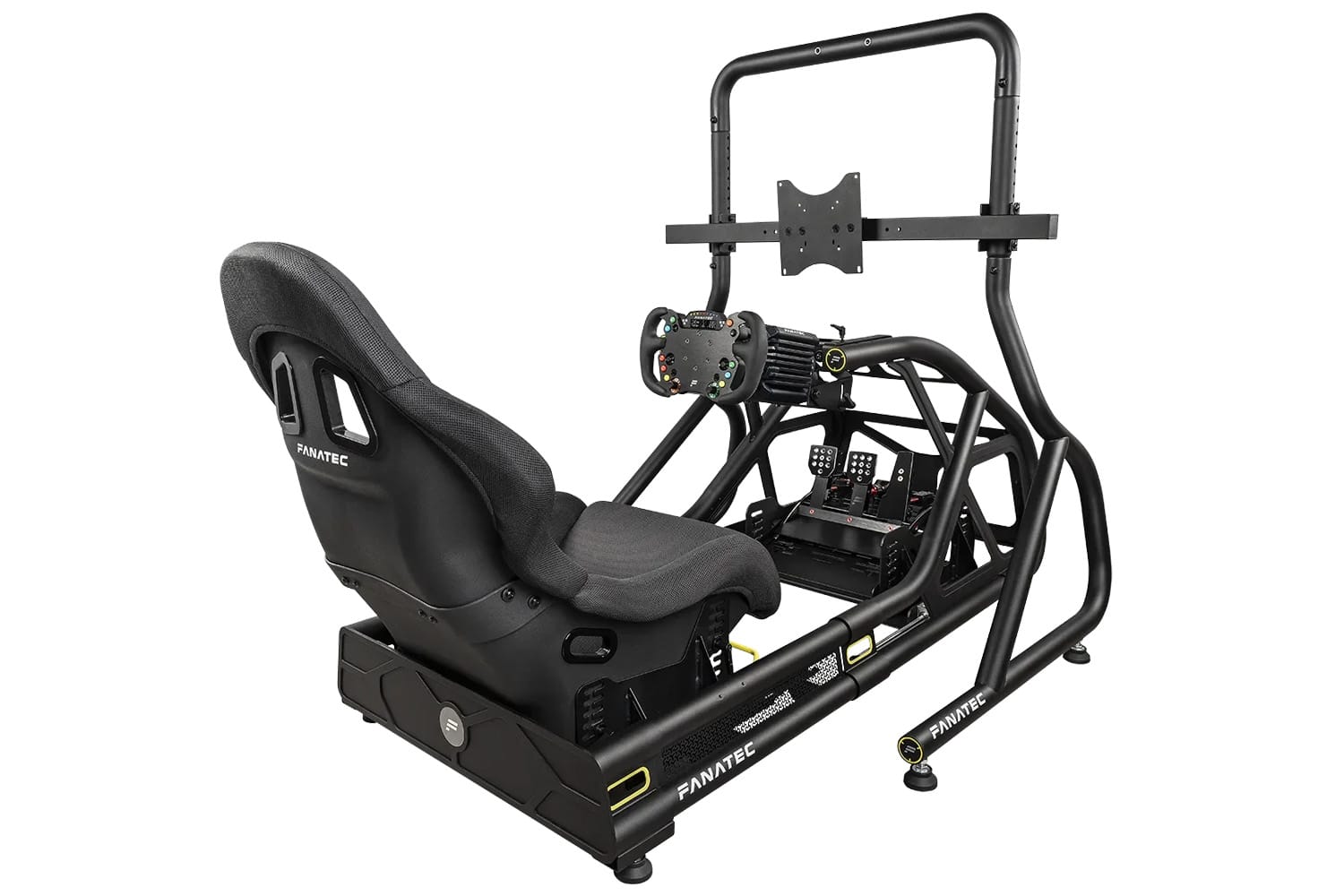
Optimize your sim racing setup
Comfort, precision, immersion


0 Comments